Chrome Web Store Optimization: How to Rank in Extension Search
ASO for Chrome extensions: titles, screenshots, descriptions, reviews. The exact playbook that gets extensions to the top of category searches.
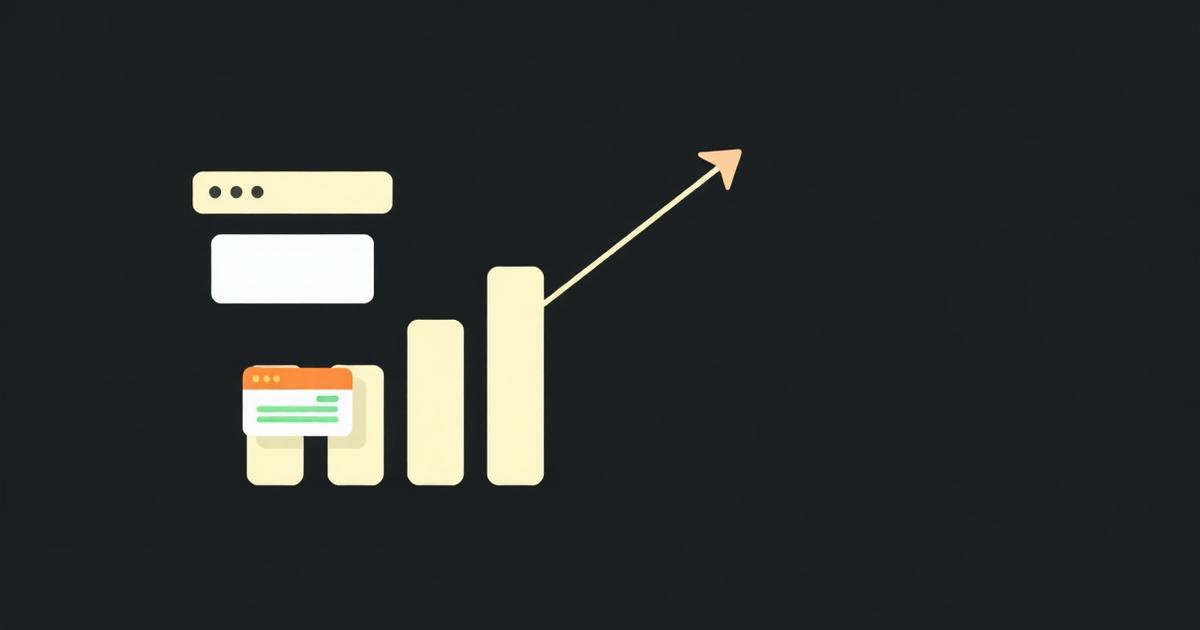
The Chrome Web Store has its own search algorithm. Like the App Store, optimization is half copywriting, half social proof. Here's what actually moves the needle.
The four ranking factors
- Title keyword match — your title should contain the primary search term.
- Install velocity — how many installs you get in the first 7 days post-publish.
- Review volume and recency — recent positive reviews matter more than old ones.
- Retention — extensions users uninstall quickly rank lower over time.
Writing the listing
- Put the primary keyword in the first 30 characters of the title.
- Use the 132-character summary to state the user benefit, not the feature list.
- Open the long description with three concrete user scenarios.
- Use all five screenshot slots — the first one is the cover for search results.
Getting the first 100 reviews
Add a 'rate us' prompt to your popup after the user has had a positive moment (third successful use, not first install). Link directly to the review tab of your Web Store listing.
Metadata fields that directly affect search matching
- name — up to 75 characters shown in search results and chrome://extensions; the search index weights this field heaviest.
- short_description (a.k.a. summary) — the 132-character field shown under the title in search results; it's indexed for search but its main job is click-through.
- detailed_description — indexed but weighted lower than the title; repeating your primary keyword 2-3 times naturally here helps without triggering keyword-stuffing flags.
- category — choosing the closest matching Web Store category affects which category browse pages you appear on, separate from search.
Screenshot and promo asset specs
- Screenshots: 1280x800 or 640x400 pixels, PNG or JPEG, up to 5 slots; the first is used as the primary listing image.
- Small promo tile: 440x280 — used in some featured/category placements.
- Marquee promo tile: 1400x560 — used for the largest featured placements Google occasionally grants; not guaranteed but required to be eligible.
What actually triggers a listing rejection unrelated to ranking
- Keyword stuffing in the title or description (e.g. repeating 'best free VPN extension VPN fast VPN' triggers automated policy flags).
- Screenshots showing a UI state the extension doesn't actually produce (misrepresentation policy).
- Using a competitor's trademarked name in your title to ride their search traffic.
Review response strategy
Developers can reply publicly to every review from the Developer Dashboard. Replying to 1-star reviews with a concrete fix timeline and following up when it ships is one of the few ways to convert a negative review into an edited, higher rating — many reviewers do update their star rating after a developer response resolves their issue.
Tracking what's actually working
The Developer Dashboard's analytics tab shows weekly installs, uninstalls, and impressions-to-install conversion by traffic source (search vs. category vs. direct link) — watch the impression-to-install ratio specifically after any listing copy or screenshot change to isolate what moved the needle.
Localized listings
The Web Store lets you submit localized title/description/screenshots per language; extensions with a Spanish or Portuguese localized listing routinely see a meaningful install lift in LATAM search results with no code changes, only a translated listing.
Frequently asked questions
What image size should the primary Chrome Web Store screenshot be?
1280x800 pixels is the recommended screenshot size (640x400 is also accepted), submitted as PNG or JPEG; the first of up to five screenshots is used as the main listing thumbnail in search results.
Does repeating keywords in the extension description improve ranking?
Natural keyword use in the title and early description helps matching, but repeating a keyword excessively is treated as keyword stuffing and can get the listing flagged or rejected under Chrome Web Store content policies rather than improving rank.
Can I have different screenshots and descriptions for different countries?
Yes, the Chrome Web Store Developer Dashboard supports per-locale listings, letting you submit translated titles, descriptions, and screenshots that show automatically based on the visitor's browser language.