How to Monetize a Chrome Extension in 2026
Subscriptions, one-time purchases, affiliate revenue, freemium — what actually works for Chrome extensions, with real numbers.
Chrome no longer supports in-extension payments through the Web Store. Monetization happens on your own site or via a third-party billing provider — which is actually a good thing.
The four models that work
- Freemium SaaS — free tier, paid tier unlocked via login to your web app.
- One-time license — sell a license key, validate inside the extension.
- Affiliate revenue — for shopping, finance, or tool-recommendation extensions.
- Sponsored placements — only viable at scale (50k+ active users).
Honest numbers
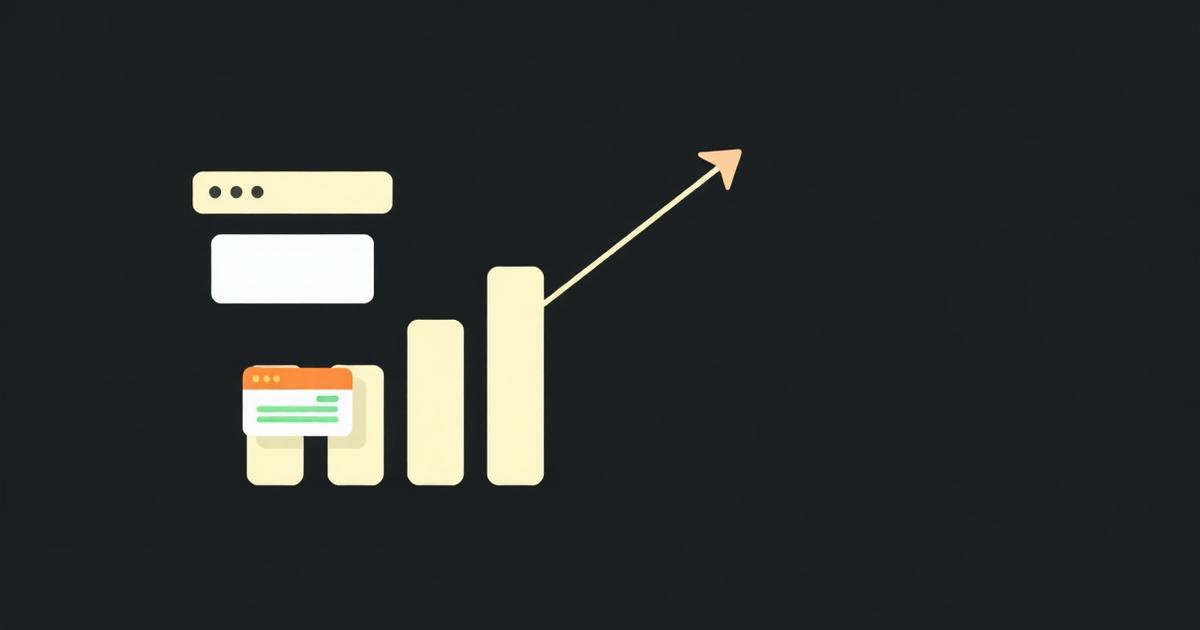
A focused freemium extension with 5,000 active users and a 2% conversion to a $5/month plan brings in roughly $500/month in recurring revenue — small but real, and built on a one-weekend project.
Picking a billing provider
Paddle and Lemon Squeezy are the most popular for indie extension developers because they act as merchant of record — they handle VAT, sales tax, and chargebacks.
Verifying a paid license without a full backend
The minimum viable license check is a single fetch from your service worker to an endpoint that returns { active: true/false } based on the user's email or license key, cached in chrome.storage.local with a timestamp so you only re-check every 24 hours rather than on every popup open. This keeps the extension usable offline between checks and avoids hammering your billing provider's API.
Gating features cleanly in the manifest and code
- Keep free and paid feature flags in chrome.storage.sync so they follow the user across their signed-in Chrome profiles.
- Never gate features purely in the popup UI — always check the flag again in the service worker before performing the paid action, since popup JS is inspectable via 'Inspect popup' in DevTools.
- Use a single source of truth object like { plan: 'free' | 'pro', expiresAt } rather than scattered booleans, so upgrades and downgrades are one write.
Common billing-integration mistakes
- Hardcoding a Stripe secret key inside the extension bundle — it's extractable from the .crx/.zip in minutes; secret keys belong only on a server.
- Verifying license status only at install time, so a cancelled subscription keeps working forever.
- Not handling chrome.identity.getAuthToken failures (user denies scope, or revokes access in their Google account) — always fall back to a manual login flow.
Refund and chargeback exposure specific to extensions
Because extensions run silently in the background, users often forget they're subscribed and file chargebacks months later. Send a monthly 'still using X' email via your billing provider's dunning tools, and expose a one-click cancel link in the extension's options page — Web Store reviewers increasingly check that paid extensions have an obvious, working cancellation path.
Real conversion benchmarks by category
- Productivity/workflow tools: 1.5–3% free-to-paid conversion is typical for a well-targeted freemium extension.
- Developer tools: lower volume but higher willingness to pay, often 3–6% conversion at $8–15/month.
- Shopping/affiliate: near-0% direct conversion but revenue via affiliate networks scales with install count instead.
Where ManifestGo fits
ManifestGo generates the extension shell — manifest, storage-backed settings, and the messaging layer — so you spend the monetization effort on the billing integration and pricing page instead of on Chrome API plumbing.
Frequently asked questions
Can I store a Stripe secret key inside my Chrome extension?
No. Anything shipped in the .zip is extractable by any user who unpacks it, so secret keys must stay server-side; the extension should only ever hold a publishable key or a short-lived session token.
How often should an extension re-check subscription status?
Once every 12–24 hours is standard — frequent enough to catch cancellations promptly, infrequent enough to work offline and avoid rate limits on your billing API.
Does the Chrome Web Store require a visible cancellation path for paid extensions?
Google's Developer Program Policies require that subscriptions be easy to understand and cancel; reviewers have rejected listings that bury cancellation behind support tickets or hide pricing until after installation.