Build a YouTube Chrome Extension with AI in 10 Minutes
End-to-end walkthrough: build a Chrome extension that customizes YouTube — Shorts hider, autoplay killer, focus mode — with a single AI prompt.
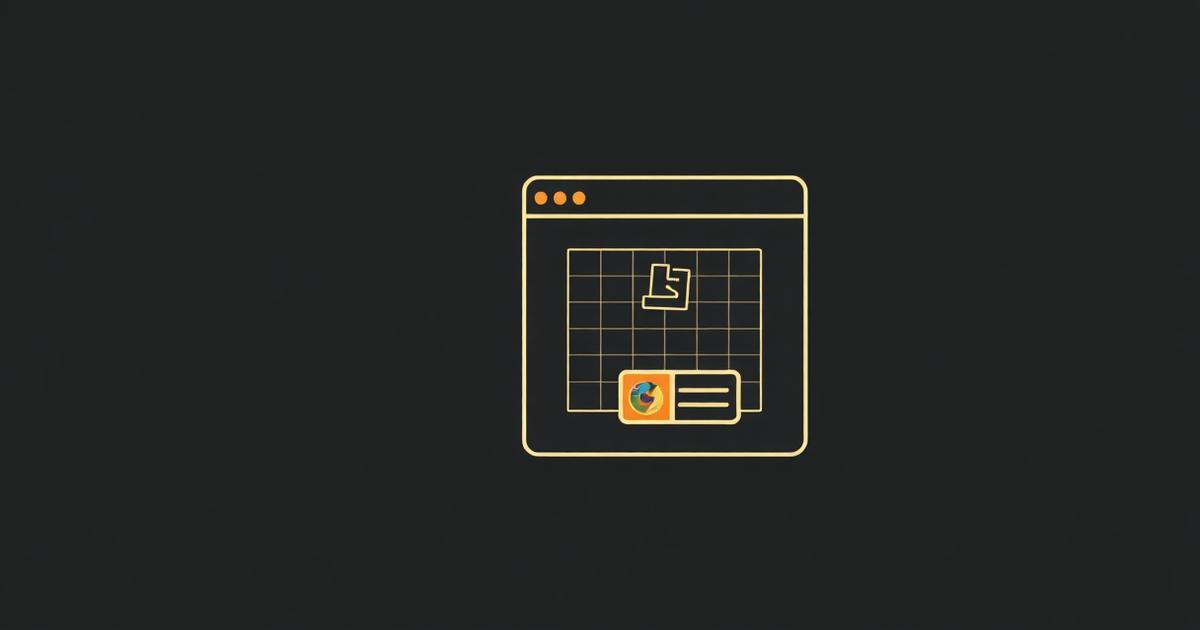
YouTube extensions are the perfect first project: clear user value, simple DOM manipulation, and a huge audience. Here's how to build one in ten minutes.
The prompt
Build a Chrome extension for YouTube that hides Shorts from the homepage and sidebar, disables autoplay on the watch page, and adds a toolbar toggle to turn each feature on or off. Store the toggle state in chrome.storage.sync.
What ManifestGo generates
- manifest.json with host permissions scoped to `https://www.youtube.com/*`.
- A content script that hides Shorts via CSS and disables autoplay via JS.
- A popup with two toggle switches wired to `chrome.storage.sync`.
- Icons in 16, 48, and 128 pixel variants.
Loading it into Chrome
- Download the .zip and unzip into any folder.
- Open chrome://extensions and enable Developer Mode (top right).
- Click 'Load unpacked' and pick the folder.
- Open youtube.com — Shorts are gone, autoplay is off, the popup toggles work.
From here, iterate: 'add a focus timer', 'hide comments', 'block recommendations on the sidebar'. Each follow-up is one prompt.
Why YouTube specifically is a hard target for content scripts
YouTube is a single-page app built on custom elements (ytd-app, ytd-rich-item-renderer) that re-render on every internal navigation without a full page reload. A content script that queries the DOM once on load will miss every subsequent video or homepage refresh, which is why 'my extension stops working after clicking a video' is the single most common bug report for YouTube extensions.
Detecting YouTube's client-side navigation
YouTube fires a custom 'yt-navigate-finish' event on document whenever its internal router completes a navigation. Listening for this event is far more reliable than polling location.href or using a generic MutationObserver on the whole body, and it fires before most of the new page's renderers have populated.
Manifest permissions this actually needs
- host_permissions or matches scoped to 'https://www.youtube.com/*' only — requesting '<all_urls>' for a YouTube-only extension is flagged in review and slows approval.
- "storage" permission for chrome.storage.sync to persist toggle state across devices.
- No "tabs" permission is needed for a pure content-script extension; only add it if the service worker needs chrome.tabs.query or chrome.tabs.update.
Selectors that break on every YouTube redesign
- ytd-rich-shelf-renderer[is-shorts] — the Shorts shelf container; Google renames these periodically, so wrap selector logic in a try/catch and fail silently rather than throwing.
- #related — the sidebar recommendations container on the watch page, frequently restructured.
- video.video-stream — the actual <video> element used for autoplay/speed control; stable across redesigns because it's the native HTML5 video tag.
Handling YouTube's Trusted Types CSP
YouTube enforces a Trusted Types Content Security Policy, which blocks innerHTML assignment from arbitrary strings even inside a content script's isolated world in some contexts. Use textContent or DOM methods (createElement, append) instead of innerHTML when building injected UI to avoid 'This document requires TrustedHTML assignment' errors.
Testing across YouTube's surfaces
- Homepage (youtube.com/) — Shorts shelf and grid layout.
- Watch page (youtube.com/watch?v=...) — sidebar and autoplay toggle.
- Shorts player (youtube.com/shorts/...) — a completely different renderer tree from the watch page.
- Search results (youtube.com/results?...) — mixed video and Shorts shelves interleaved.
Frequently asked questions
Why does my YouTube extension stop working after I click a video?
YouTube is a single-page app that swaps content without a full reload, so a content script that runs its setup once on document_idle never re-runs. Listen for the 'yt-navigate-finish' custom event YouTube dispatches on every internal navigation and re-run your DOM logic there.
Do I need the tabs permission to build a YouTube customization extension?
No, not if all your logic runs inside a content script scoped to youtube.com. The tabs permission is only needed if the service worker itself must query or modify tab state, such as opening or closing tabs.
Why does innerHTML throw an error on YouTube but not other sites?
YouTube enforces a Trusted Types Content Security Policy that blocks assigning raw HTML strings to innerHTML. Build injected elements with document.createElement and textContent/append instead to avoid the TrustedHTML assignment error.